Pinned to the element, not just the page
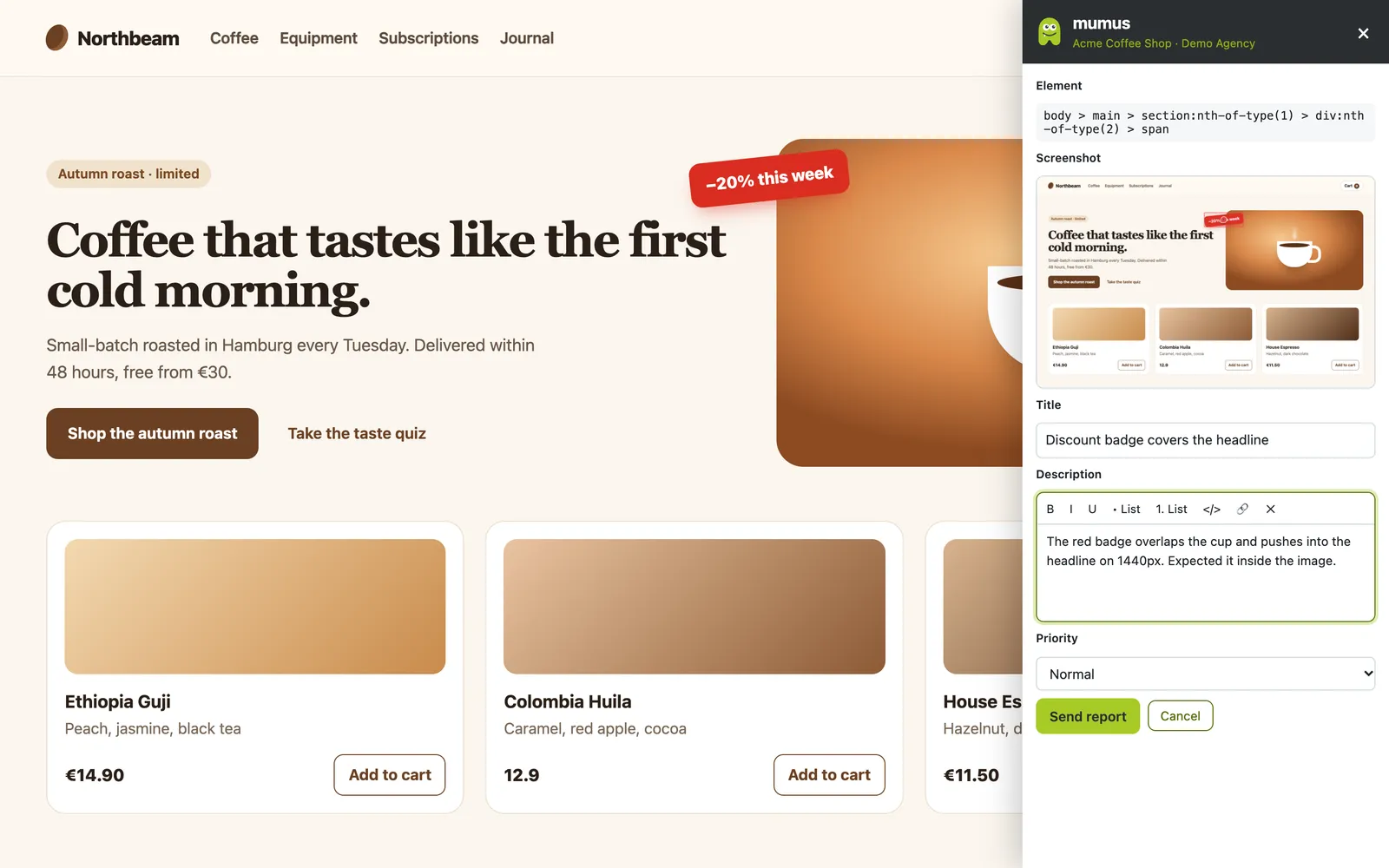
Reports remember the exact element and page. Open the site again and the pins are right where the problem is, for everyone on the project.
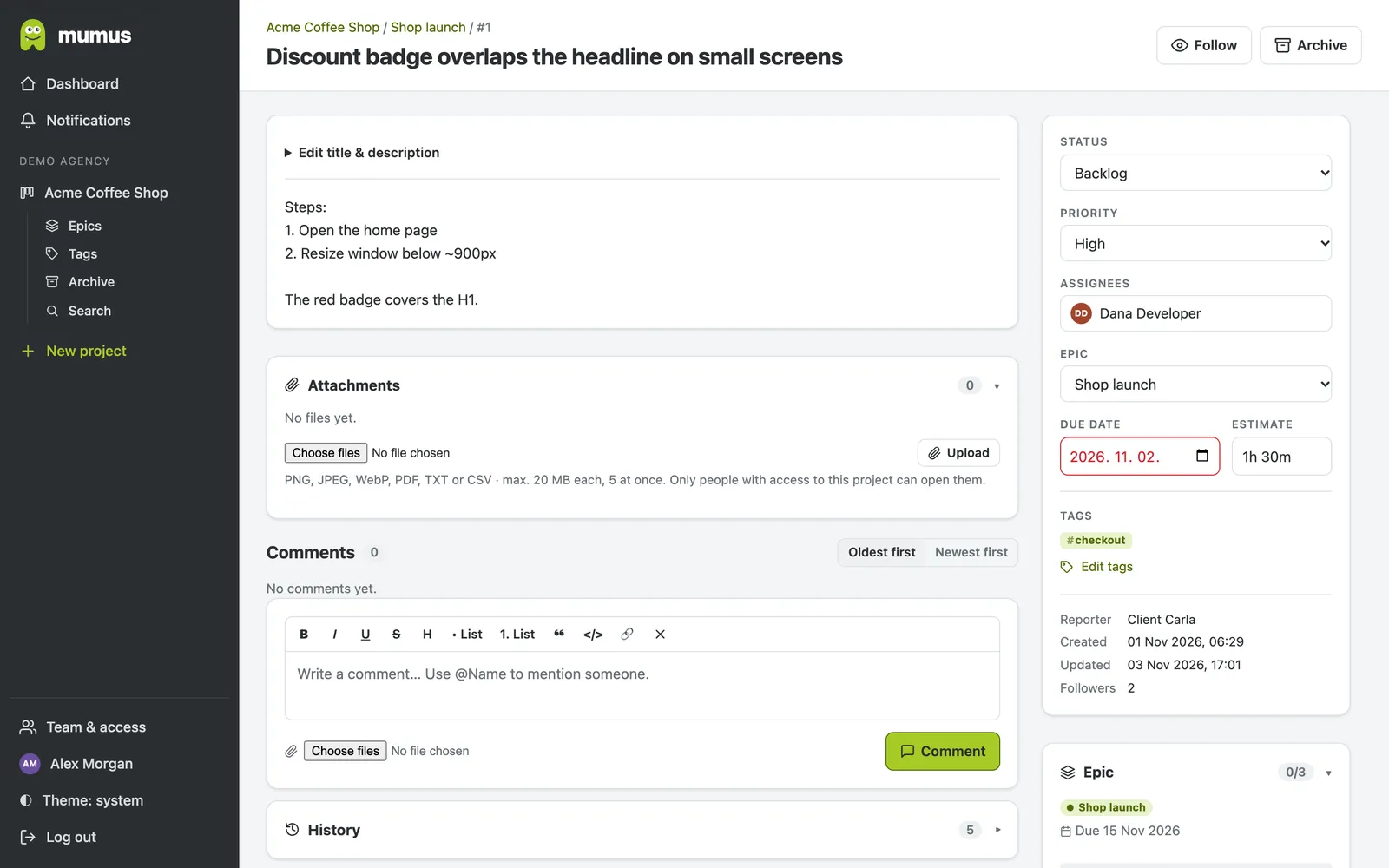
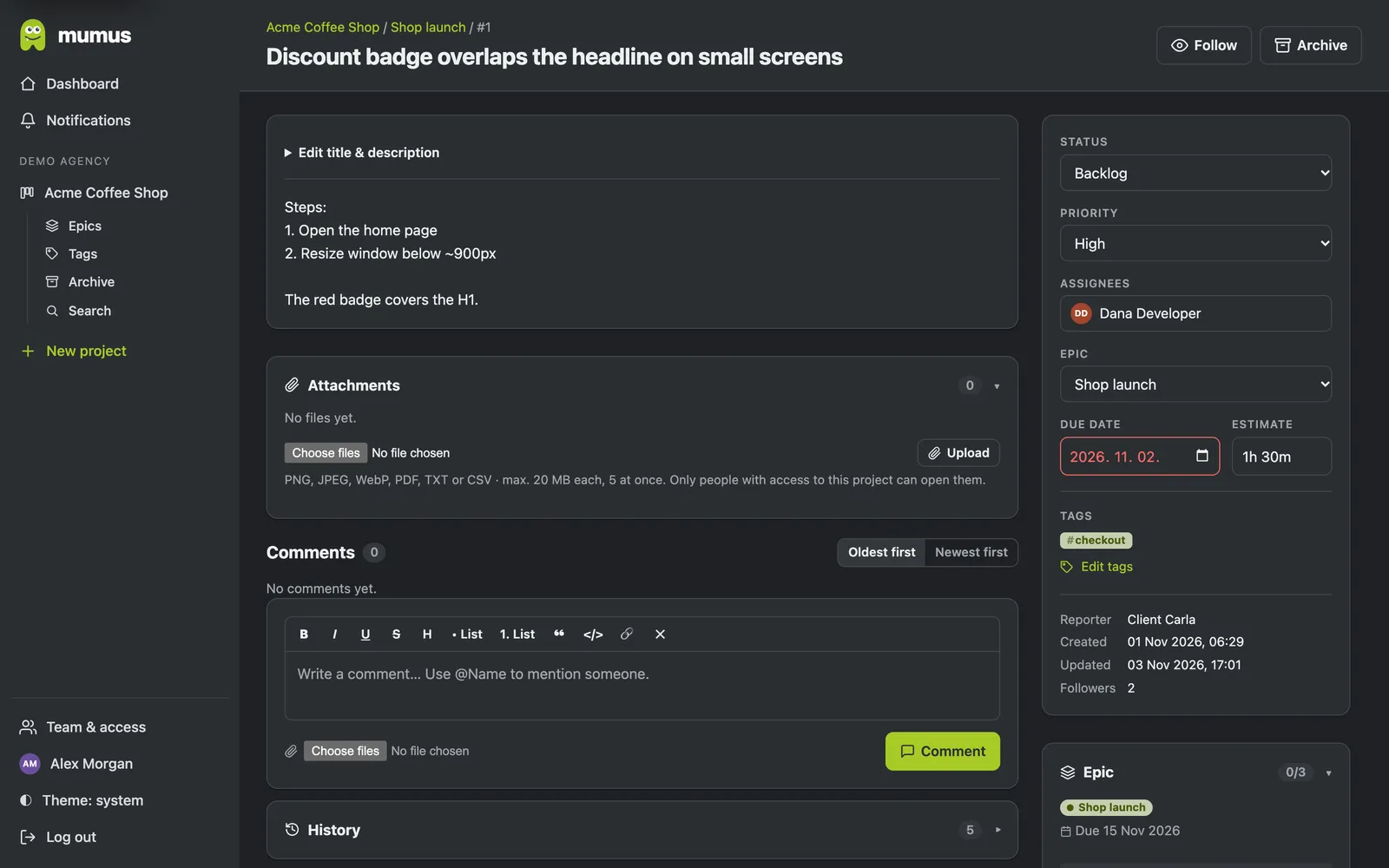
Clients click on the problem. mumus captures the screenshot, the exact element, the browser and the console errors, and puts a clean task on your board. No more “it's broken” e-mails.
How it works
Add mumus to Chrome, Edge or Brave and log in once. It only gets access to the websites of your projects.
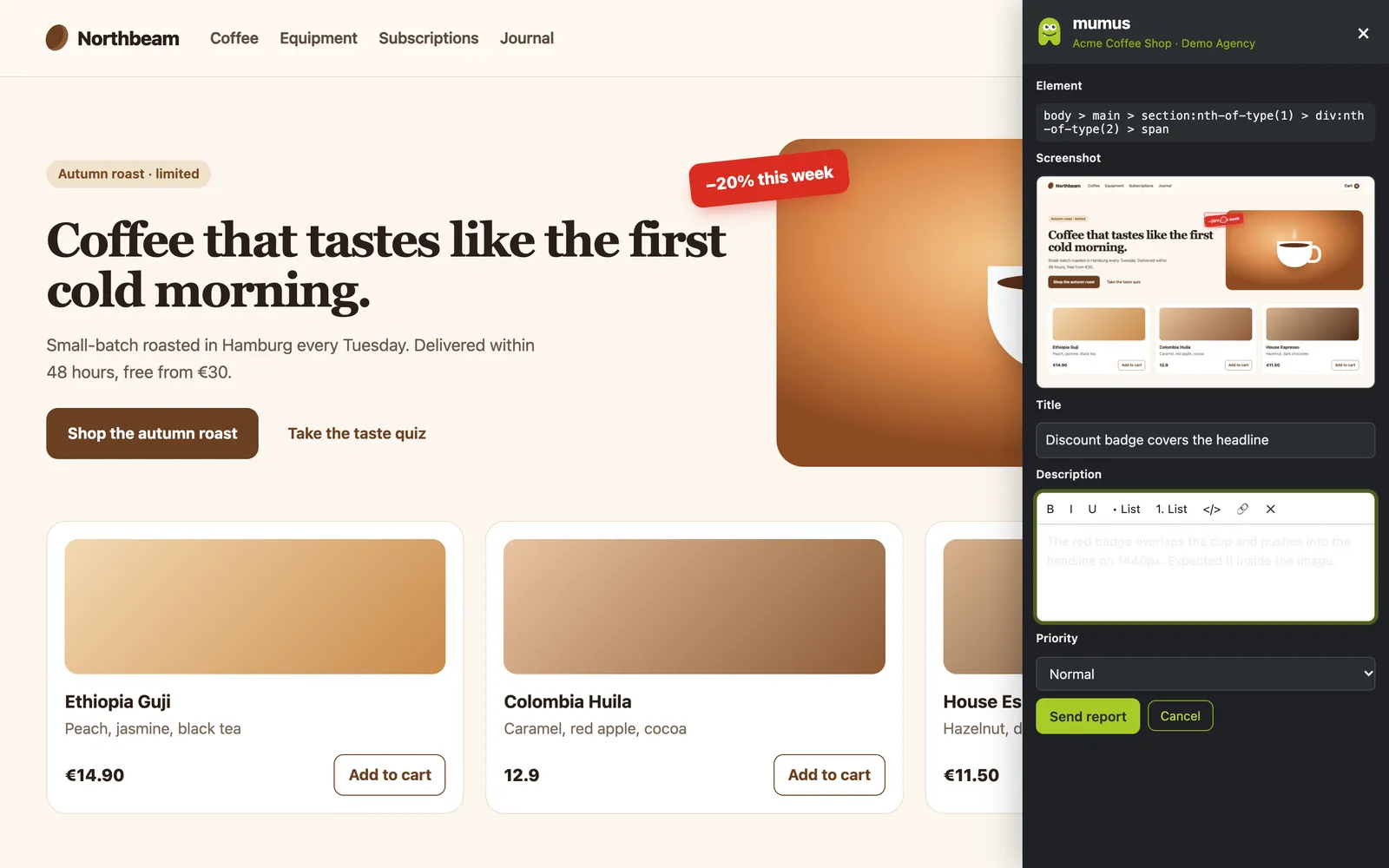
Pin any element on the live page or record your screen. The screenshot and technical details are attached automatically.
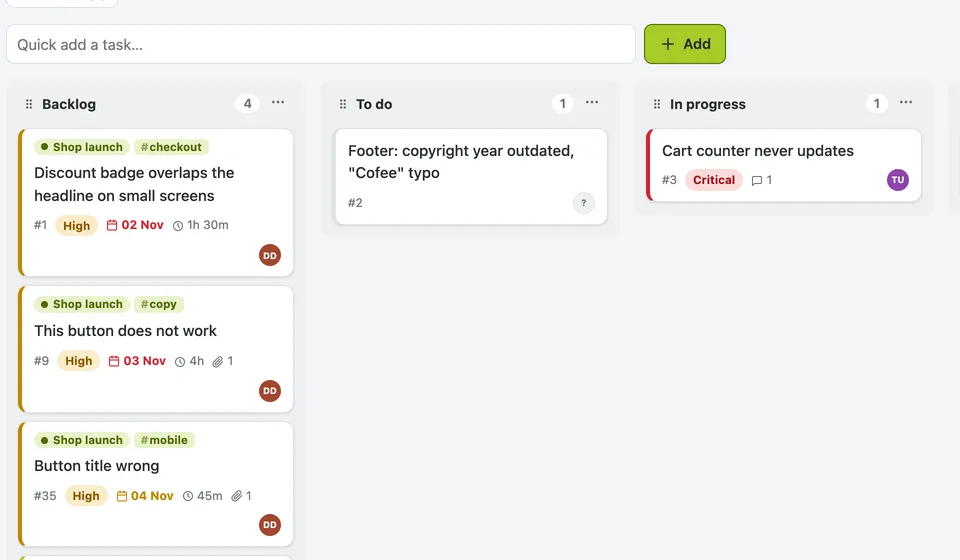
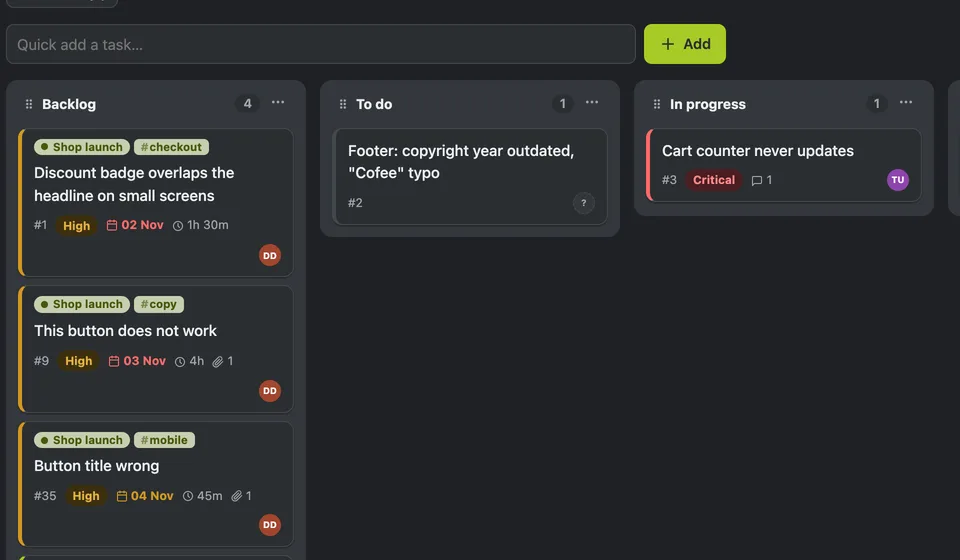
The report lands on your Kanban board with everything a developer needs. Status changes notify the reporter.
Features
Reports remember the exact element and page. Open the site again and the pins are right where the problem is, for everyone on the project.
Full screenshots or a short video of the tab, uploaded with the report. Files are private to the project.
Browser, viewport, console errors and failed network requests. Tokens and passwords are redacted before upload.
Custom columns, epics with due dates and budgets, tags, estimates, multiple assignees and an archive.
Invite clients as reporters. They can report and comment, and optionally see only their own tickets.
In-app and e-mail per event, mute per project, and an SMS when something becomes critical.
Full-text search across titles, descriptions and comments, with filters for epics, tags and due dates.
AI assistants
mumus includes an MCP server. Your coding assistant can read a report, look at the screenshot, fix the code and move the card to review, with the permissions you choose.
$ claude
> Fix the critical bugs in mumus project “Website”

● mumus · search_tasks priority: critical
  #12 Discount badge overlaps the headline
● mumus · get_attachment screenshot of #12
  The badge is absolutely positioned below 380px …
● Edited src/styles/hero.css (+4 −2)
● mumus · update_task #12 → Review
● mumus · add_comment “Fixed in 3f2a91c”
Who it's for
One organization per client or one for all: projects, roles and client access are separate. Clients report without learning a new tool.
QA and stakeholders report straight from staging. Developers get reproducible tasks with console logs instead of meetings.
Collect your client's feedback during acceptance testing, prioritise it and show progress on a shared board.
Security & privacy
TOTP and backup codes, and organizations can make 2FA mandatory.
It only reaches the websites you add to a project, and asks before each one.
Screenshots and videos open only after login and with access to that project.
Data stays in German data centres. A data processing agreement is available.
FAQ
Yes, on any site you add to a project, including staging and local development servers. The extension asks for permission per website.
Yes, a free one. You invite them by e-mail and choose their role. Clients never see your internal projects.
Chrome, Edge, Brave and other Chromium browsers. The web app works in every modern browser.
Only when you send a report: the screenshot or recording, the page address, the pinned element, browser details and recent console and network errors. Secrets are redacted. See the privacy policy.
One plan with every feature and unlimited users: €49 per month billed annually, or €69 monthly (excl. VAT), after a 14-day free trial. See pricing. Dedicated instances are available on request.